Triton
A couple of months ago, I wrote about Triton, detailing some of the technical decisions I made during its development. That post covered architecture, design patterns, and lessons learned along the way. At the time, Triton was ready to launch, but I needed extra time to review its code one more time to ensure everything worked exactly as intended.
A month has passed, and Triton is now available for download. Not only that, its source code is also available on GitHub.
For those unfamiliar, omg.lol is a web service1 that provides a collection of fun, useful tools like status updates, permanent URLs, web pages, weblogs, pastebin, and more, all tied to a personal address. I built Triton to bring these to the desktop with a native macOS experience, allowing users to interact with all these services from a single, unified application.
The app supports multiple omg.lol addresses, letting users switch between them seamlessly. Beyond basic functionality, Triton includes quality-of-life features like local muting (hiding specific addresses or keywords from the statuslog timeline), sharing through native macOS share sheets, context menus for quickly copying URLs in various formats, and integration with Spotlight and Shortcuts.
Triton is free and will always be free and open source. No in-app purchases, no prompts to rate or review. If you find it useful and want to support its development, I'd appreciate a coffee to keep the code flowing ☕️.
Now, to the features!
Statuslog
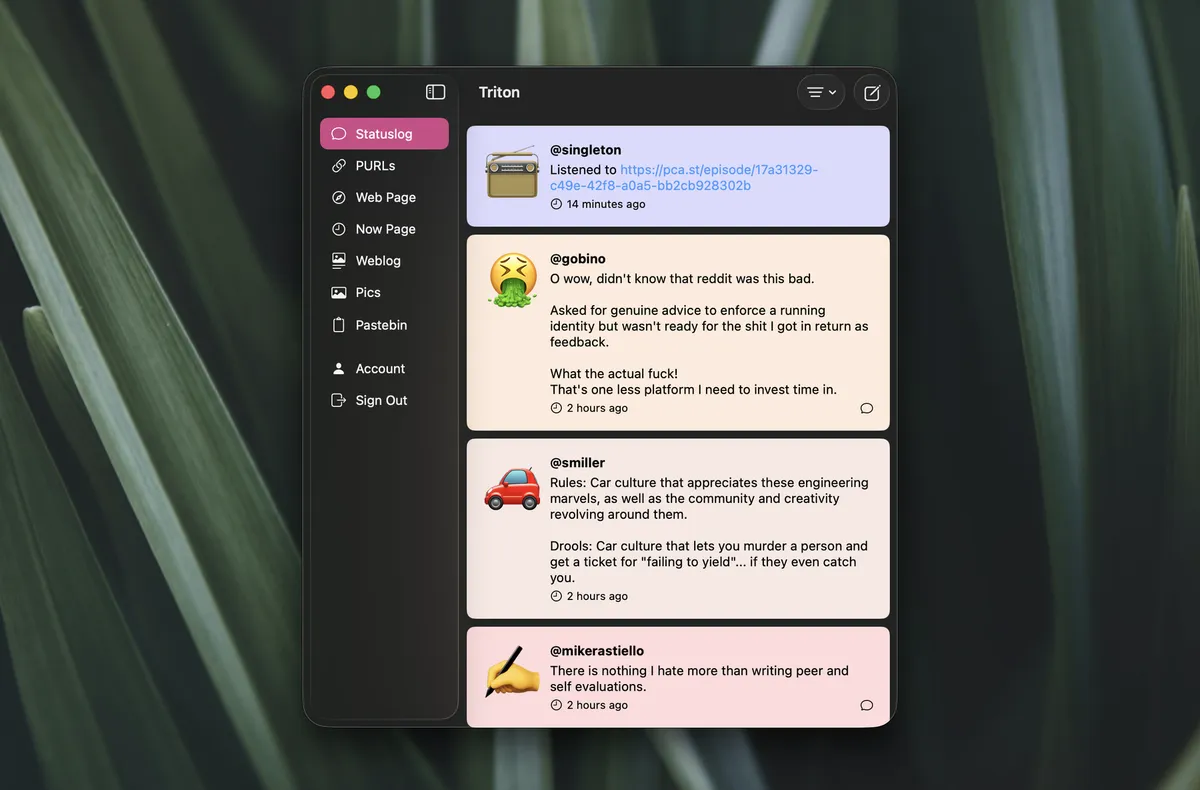
Statuslog
Statuslog serves as the landing screen of the application. Even before logging in, you can browse the list of posts published by the omg.lol community.
Interaction with posts happens through right-click actions. A contextual menu appears with options to open the post in a browser, copy the URL, or mute all posts from that user2.
After logging in, you can publish a status using the compose button in the top right corner of the app.
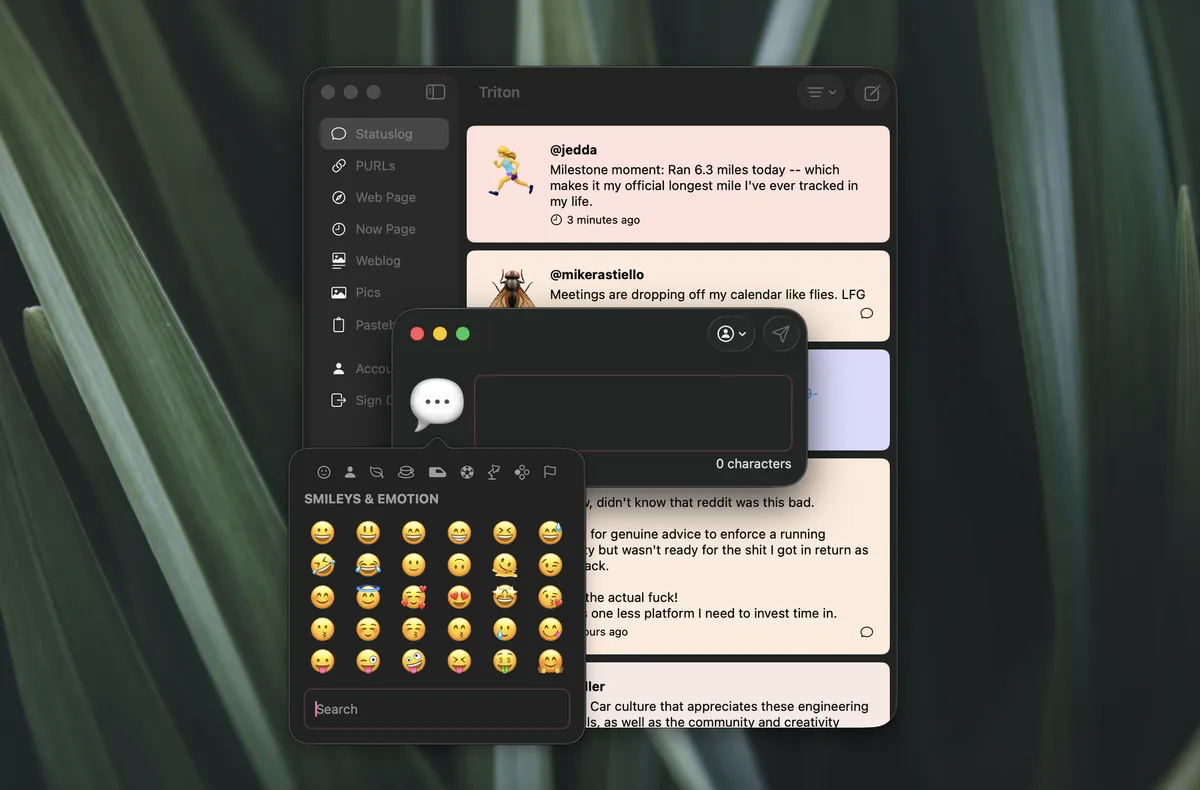
Composing a new Status
The compose window is resizable, and I built an emoji picker from scratch for this application. macOS doesn't provide an emoji picker that can be used programmatically in the way I needed, so creating a custom solution was necessary.
If you have multiple addresses, you can use the address picker at the top of the compose window to select which address to post from. This pattern appears throughout other features of the application as well.
PURLs
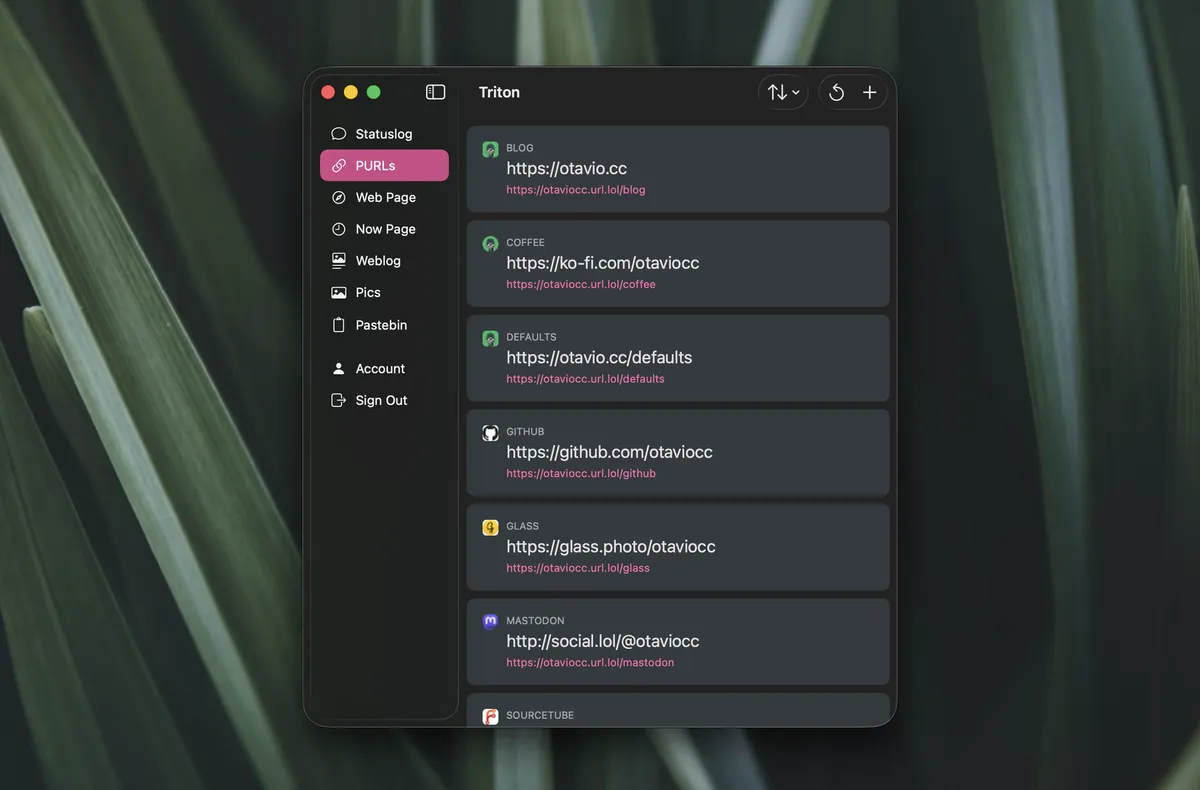
PURLs: Permanent URLs
Permanent URLs, or simply PURLs , can be created from the plus button in the top right corner of the application. Once a PURL is saved, right-clicking reveals several options: copy the URL, copy it as a Markdown link, open in browser, share using macOS' native sharing menu, or share directly on Statuslog, which opens a compose window with the PURL and its name already populated.
Web Page
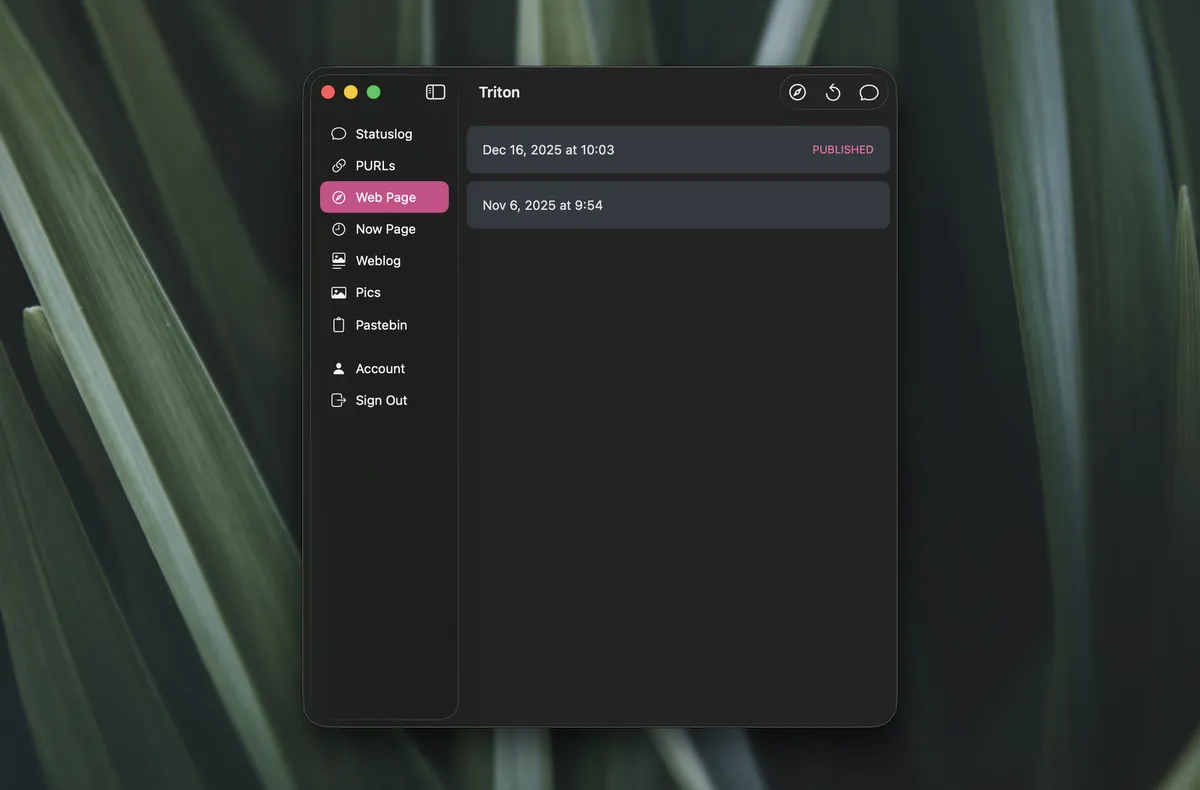
Web Page
Every omg.lol address has a landing page called Web Page. This page works as an index for all the services, websites, and links a person might want to share.
In Triton, you can edit the content of your Web Page. The application maintains a local copy of previous versions, allowing you to revert changes if needed.
Double-clicking a version opens the editor, while right-clicking also provides access to editing options.
From the top bar, you can open the current Web Page version in a browser and share a link via Statuslog.
Now Page
Now Page
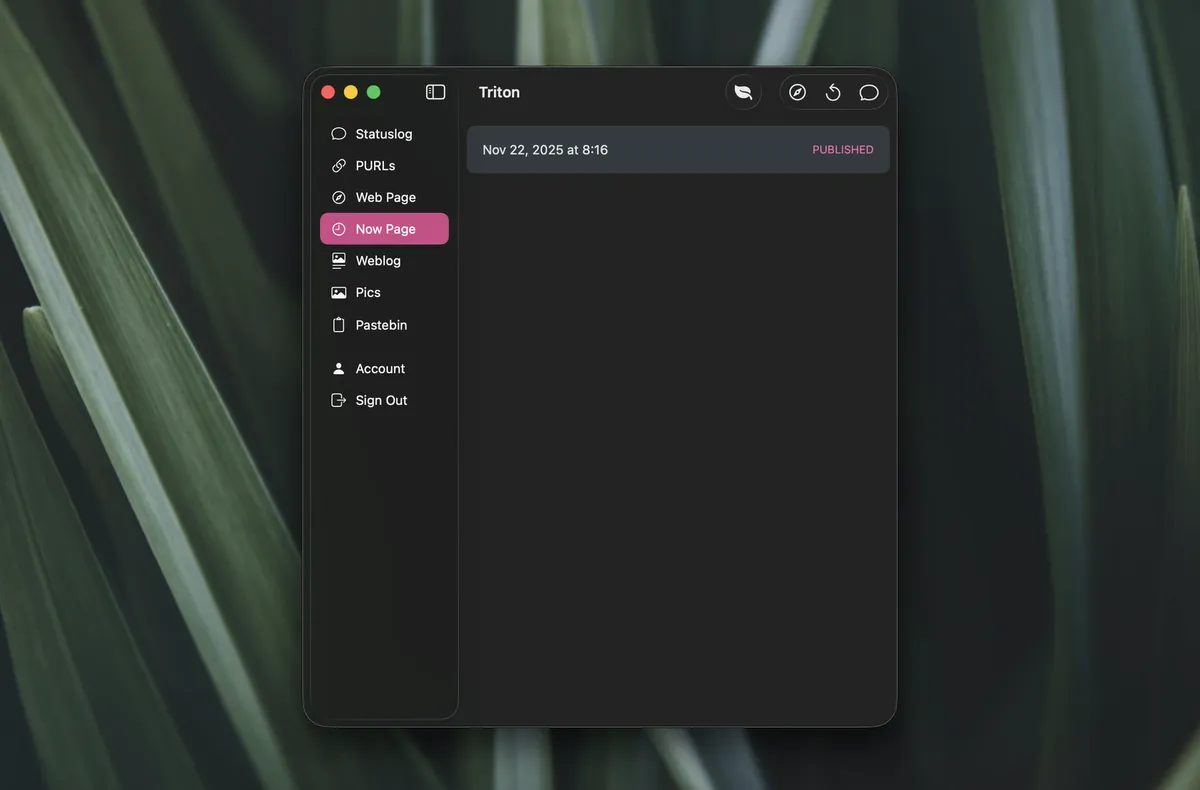
Now Page is a simple page where you can share information about what you're up to; an easy way to consolidate what you're doing, reading, watching, playing, and more to share with friends and family.
On Triton, this feature mirrors the Web Page implementation, with a local copy of recent changes and buttons to open in a browser and share directly via Statuslog. There's also a button to open the garden with other Now Pages from the omg.lol community.
Weblog
Weblog
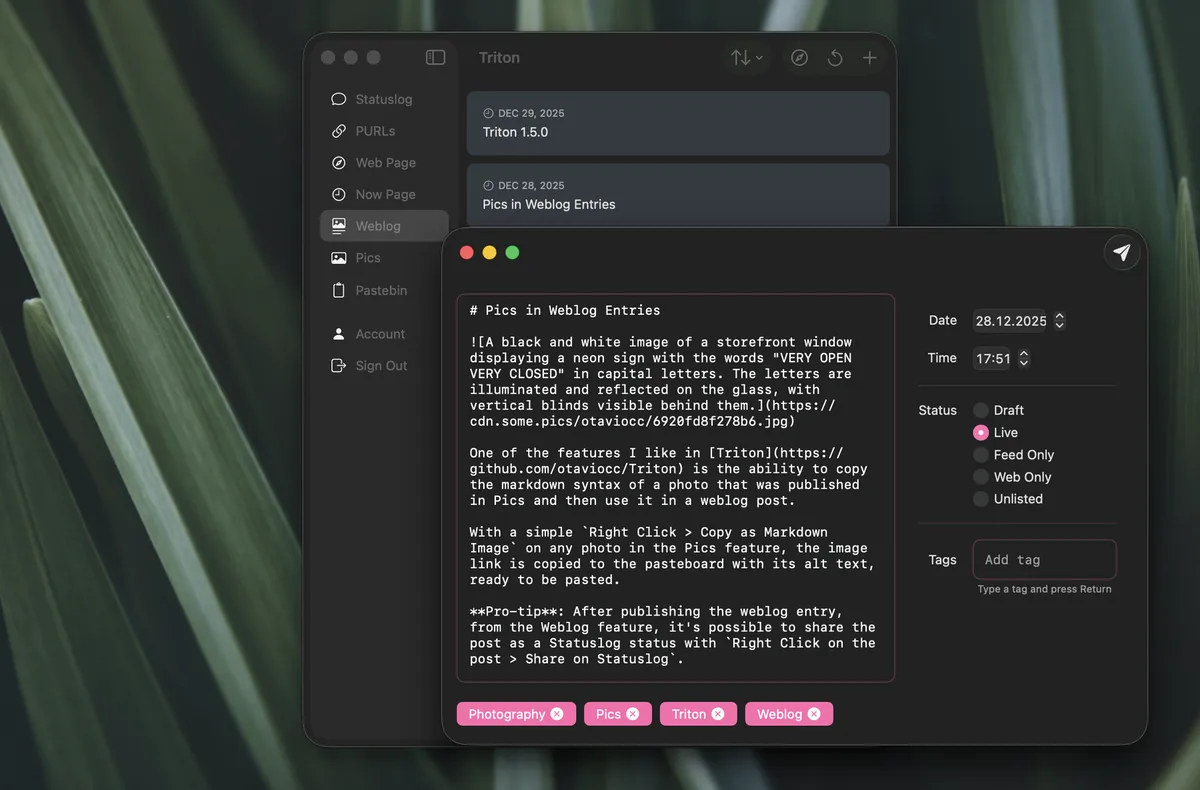
Weblog is where new blog entries can be created and managed. New entries can be created using the plus button in the top bar, which opens a composer window. From the composer, you can set the date and time of publishing, as well as the post status or visibility.
For those using tags to group entries together, the Tags field autocompletes previously used tags. Pressing TAB selects the first matching tag, streamlining the tagging workflow.
And Weblog is where other features meet. You can upload photos to some.pics via Pics and add them to blog posts as Markdown images. Similarly, code snippets from Pastebin can be copied as code blocks and inserted directly into blog entries. Blog posts can also be shared directly to Statuslog. This integration makes the workflow seamless; everything needed to publish a complete blog post is accessible from within the application.
Pics
Pics
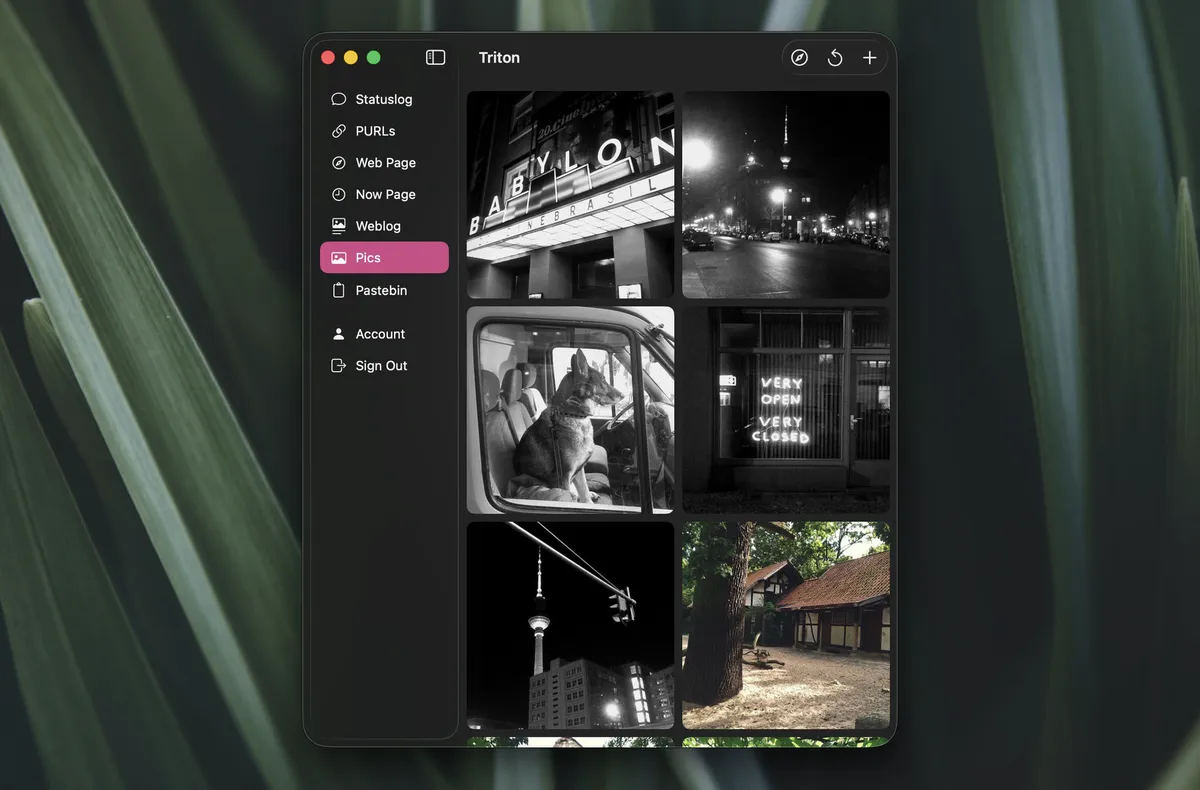
Pics is my favorite feature. It handles image uploads to some.pics, allowing you to add captions, alt text, and tags to images during the upload process.
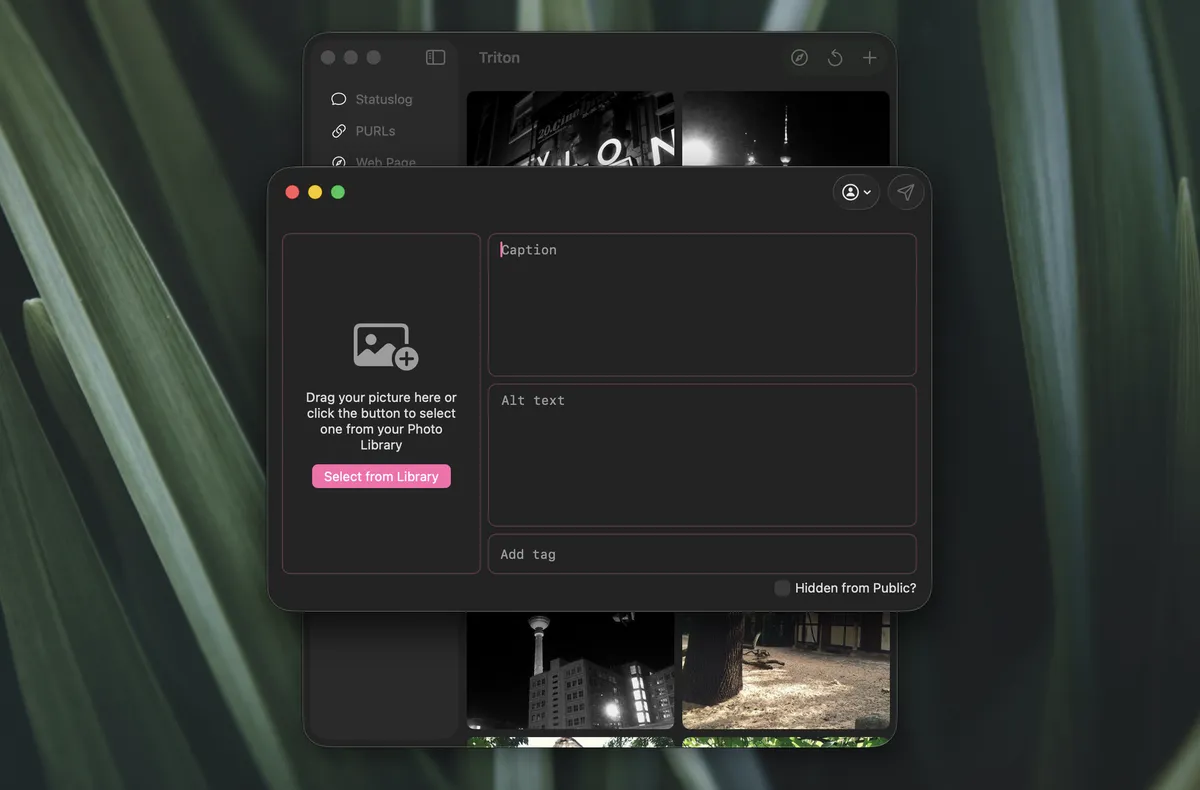
Photo Uploader
Photos can be added from the Photos app library or by dragging and dropping images directly into the photo uploader. This flexibility makes it easy to work with images regardless of where they're stored.
Already uploaded pictures can be edited to update their captions, alt text, and tags. This makes it easy to refine how images are presented without needing to re-upload them.
The contextual menu provides several options for working with images. You can copy the some.pics link to a photo, copy it as a Markdown link, copy it as a Markdown image, and much more. Images can also be shared directly to Statuslog. These options simplify the process of incorporating images into blog posts, status updates, or any other content being created.
Pastebin
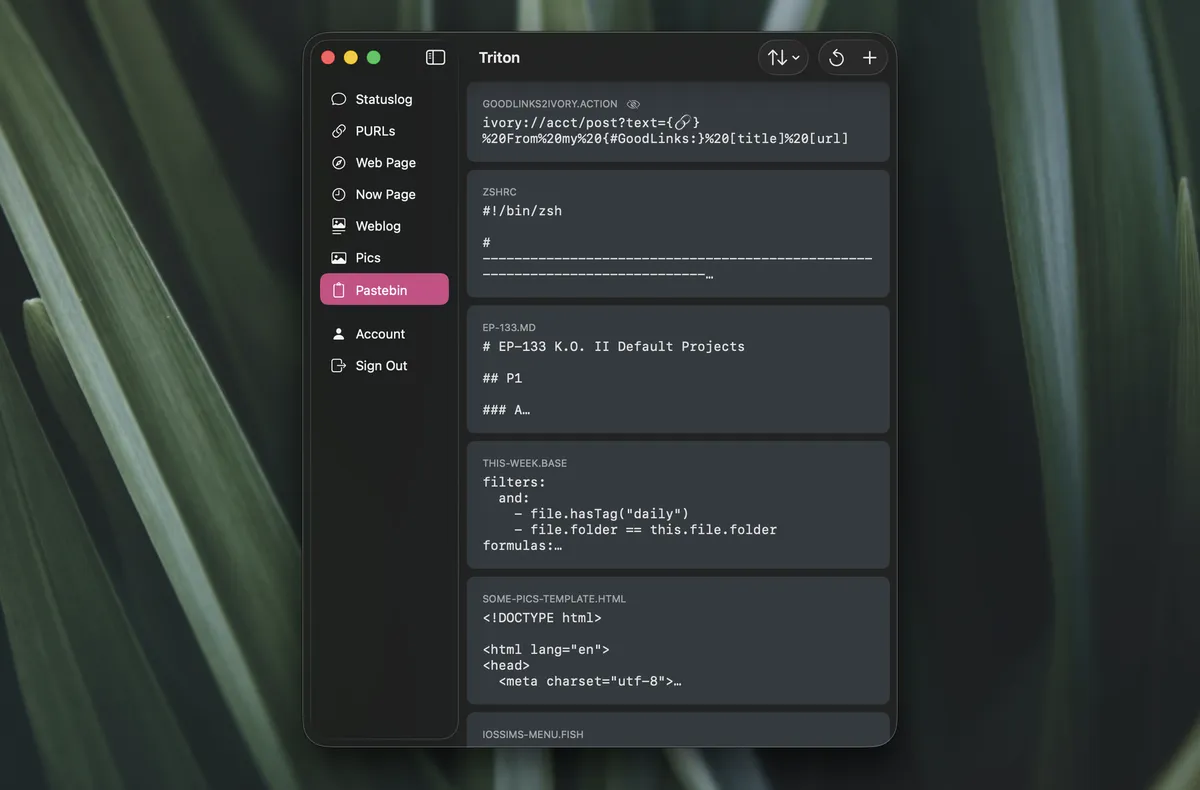
Pastebin
Pastebin is a place for short text and code snippets to be shared with others online. Like other features in Triton, it provides a contextual menu with several options, including the ability to copy snippets as Markdown code blocks for use in blog posts or entries, and to share directly to Statuslog. This makes it straightforward to share code examples or text snippets while maintaining proper formatting.
That's Triton. If you have feature requests or run into any issues, the GitHub repository is the place to go. I'm looking forward to seeing how people use the app.